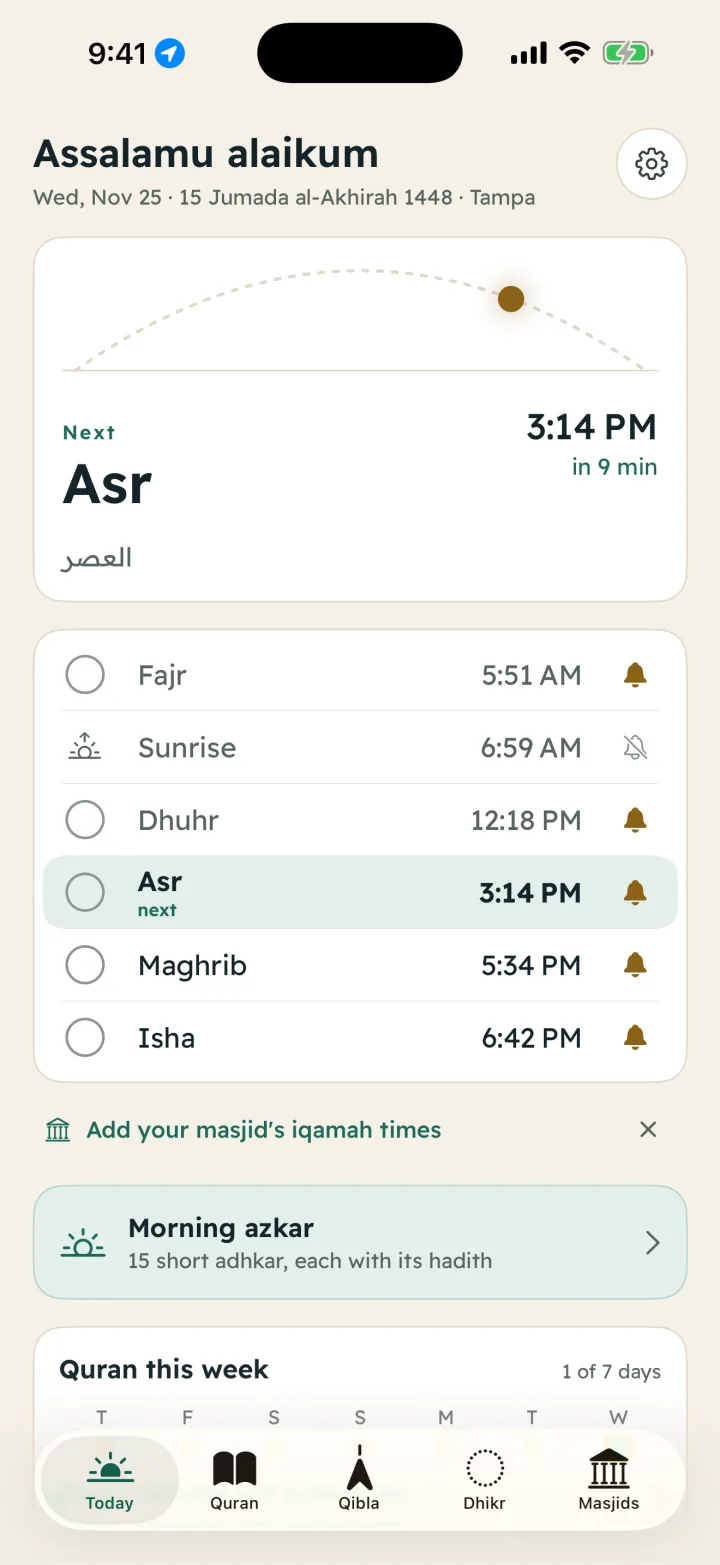
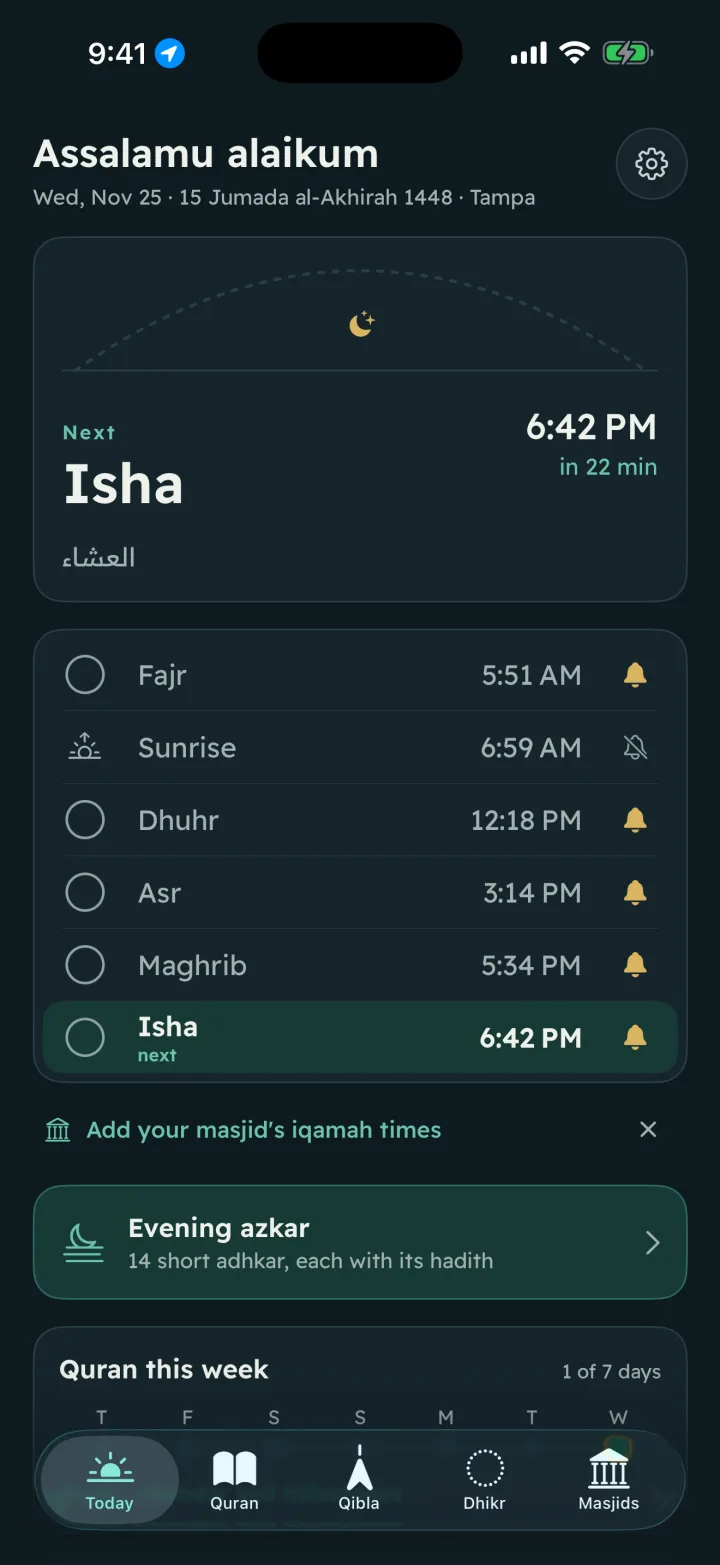
Jama'ah
Early beta testing
Test Jama'ah on your iPhone before it's out.
Put your name down, then install it with Apple's TestFlight app. It takes about two minutes, and it's free.
Your name
Just your first and last name, so we know who's testing. Nothing else.
Jama'ah is an iPhone app. To test it you'll need an iPhone with iOS 17 or later.
You're on the list.
Here's what to do.
Check back here then. This page will remember you on this device and show your invite button as soon as it's ready. You can do step 1 now.
-
Install TestFlight
TestFlight is Apple's free app for testing apps before they're on the App Store.
Get TestFlight on the App Store -
Tap the button to join
Open this page on your iPhone
Point your iPhone's camera at this code and tap the link that appears. It opens this page on your phone, already signed up.
Come back to this page on your iPhone and tap this. It opens Jama'ah in TestFlight.
Join the Jama'ah beta in TestFlight Your invite button shows here when testing opensAlready on your iPhone? The invite link is here.
-
Tap Accept, then Install
TestFlight shows Jama'ah. Tap Accept, then Install, and wait for it to download.
-
Open Jama'ah
It's on your home screen like any other app. The small orange dot next to its name is how iPhones mark an app you're testing.
-
Something wrong? Send a screenshot
Take a screenshot, tap the preview that pops up in the corner, then tap Done or the share button and choose Share Beta Feedback. Add a line about what happened and send it. You can also open TestFlight, tap Jama'ah and tap Send Beta Feedback.
Not you?
- An iPhone with iOS 17 or later. Jama'ah is an iPhone app.
- Free. No ads, no account, nothing to pay.
- Updates through TestFlight. When there's a new test version, TestFlight lets you know.
Questions first? Read the beta help.